Labeled Switch Rows With Helper Text
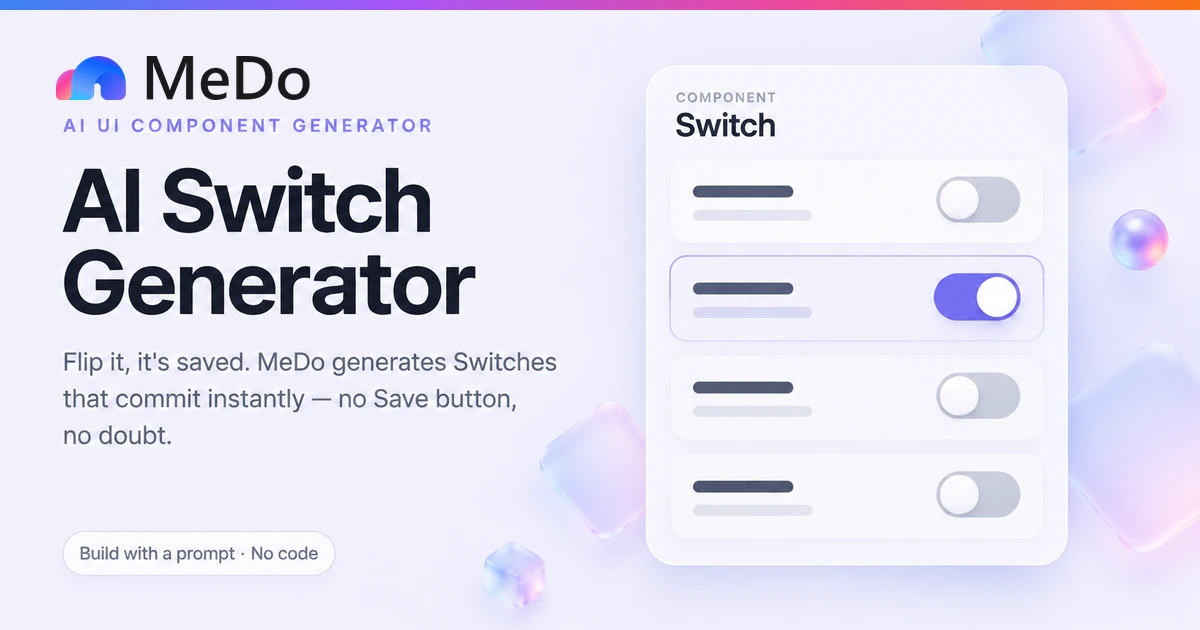
The workhorse of every account page: label and explanation on the left, switch on the right, the entire row clickable. No form, no submit — each row commits on flip.
Create a settings section titled Preferences with four switch rows. Each row is a button carrying role="switch" and aria-checked, spanning full width: title in 15px medium, one-line helper text in 14px zinc-500 below it, and the switch graphic on the right. Track 40x24px rounded-full — zinc-200 off, indigo-600 on — with a 20px white knob translating over 150ms ease-out, plus a visible focus-visible ring. Make the whole row the hit area with minimum 44px height and 12px vertical padding, and hover-tint the row subtly. State is optimistic: flip updates immediately, then a PATCH fires per setting; while pending show a 12px spinner centered in the track and disable only that row. On failure, revert that switch, flash the track red for 600ms, and raise a toast saying the setting was not saved. Each row is an independent list item under one h2.