MeDo

Show What Happened, in Order.

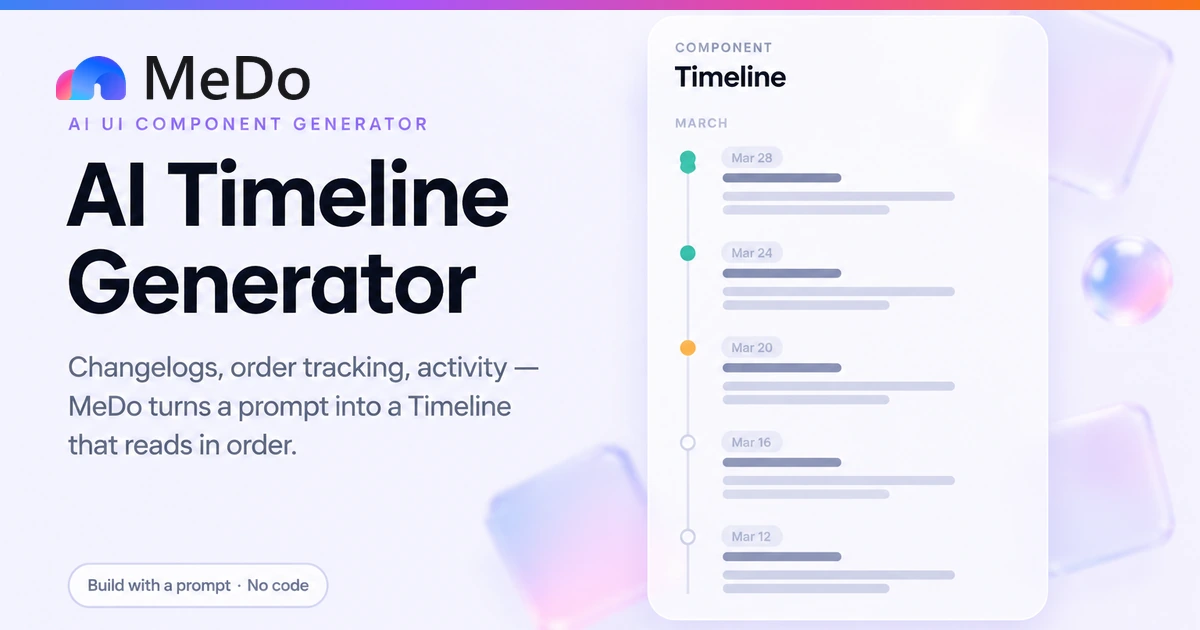
A timeline turns scattered events into a readable history: a changelog people actually scroll, shipment tracking that answers "where is my order", an activity feed for a project or account. Describe your entries and MeDo generates a vertical or horizontal timeline with connector lines, status badges, timestamps and grouping — React + Tailwind, no timeline library needed.

Timeline
Timeline

A Timeline Is a Statement About Causality

Most data display says "here are some things"; a timeline says "these things happened, in this order, and the order is the point". That is why it keeps winning jobs that cards and lists lose: an order-tracking feed only reassures because step three came after step two, a changelog builds trust because v2.4 visibly follows v2.3, and an incident report is worthless unless the sequence is exact. The practical consequence for builders is that the timeline carries meaning it did not author — it is a pattern, and the semantics come entirely from what you put in the entries. A timeline of marketing fluff reads as decoration; a timeline of concrete dated facts reads as accountability. So the real work is editorial: name the events, date them honestly, and mark the states that are still open. Generate the structure with AI, then spend your effort on the one thing no generator can do — deciding which moments of your product's history deserve a dot on the line.

6 個のテンプレート

生成できる Timeline テンプレート

どのテンプレートもスクリーンショットではなく実際のプロンプトです。任意の AI エディタに貼り付けるか、MeDo で実行して React + Tailwind のコードを受け取れます。

ProductChangelog

Version-Grouped Changelog Feed

Newest-first versions on a left rail, each with a short summary and links. The format that makes "we ship often" visible instead of claimed.

Create a vertical changelog timeline, newest version first, with a 2px connector line running down a fixed left rail and a 12px dot per entry — emerald for shipped, amber for beta, zinc for planned. Each entry: version label in a small mono pill, relative date with absolute date as the title attribute, title in 18px semibold, two-line summary, and up to three inline links to docs or the feature. Group entries under sticky month headings inside a max-height container. A filter row at the top toggles by status, active filters showing as pressed. Keep entries borderless with 40px spacing so the rail carries the structure, use aria-hidden on the dots while the badge text carries status for screen readers, and indent the whole timeline to a 24px rail below 640px.
MeDoで試す
E-commerceOrder Tracking

Shipment Progress With Completed and Pending Steps

Fixed step count, oldest first, current step highlighted, future steps dimmed. The version of a timeline that directly reduces "where is my order" tickets.

Build an order-tracking timeline with exactly five steps: Order placed, Payment confirmed, Shipped, Out for delivery, Delivered. Render oldest-first so the story ends at the outcome. The timeline receives a currentStep prop: steps before it show a filled emerald dot and regular text, the current step shows a larger pulsing dot with an "In progress" badge, and future steps show hollow zinc dots with dimmed text. Each step has a title, a timestamp when completed or "Pending" when not, and an optional detail line such as carrier and tracking number on the Shipped step. Draw the connector segments between dots individually so completed segments are emerald and upcoming ones are zinc-200. Add aria-current="step" on the active entry and make the whole component readable as a list with a single heading.

MeDoで試す
AppActivity Feed

Day-Grouped Workspace Activity

A living record of who did what, grouped by day with relative times. Built to grow — it paginates behind a button instead of rendering the whole history.

Create a workspace activity feed as a vertical timeline. Entries are actor actions: "Ana invited two members", "Invoice #1042 was paid", "Project Atlas was archived". Group entries under day headings — Today, Yesterday, then explicit dates — with a thin divider between groups. Each entry shows a 28px avatar, the actor name in medium weight, the action with the object as a link, and a relative time like "14m ago" right-aligned with the absolute timestamp as title. The connector rail runs only within each day group so group boundaries stay visible. Load 20 entries initially and render a "Show older activity" button that appends the next page and keeps the rail continuous. Add actor and event-type filters as small pills, and keep each entry a single list item so screen readers get one coherent list.

MeDoで試す
ProcessHorizontal Steps

Horizontal Onboarding or Process Timeline

Three to five fixed steps laid left to right with a connecting line — the "how it works" strip for landing pages and checkout progress.

Create a horizontal process timeline with four fixed steps: Connect, Configure, Test, Launch. On desktop, lay steps left to right along a 2px connector that fills emerald up to the current step. Each step is a numbered circle — filled and numbered for done, ringed and pulsing for current, grey for upcoming — with a title and one-line description underneath, centered per column. Space columns evenly with flex so the line segments between circles stay equal, and label each segment connector separately so progress colors per segment. Below 640px, switch to a compact vertical variant with the same steps, dots on a left rail, keeping the currentStep prop identical. Add aria-current="step" and a visually hidden ordered list wrapper so the step sequence is announced correctly.

MeDoで試す
StatusIncident Report

Incident Timeline With Exact Timestamps

For status pages and post-mortems, where the sequence and precise times are the entire deliverable. Oldest-first, mono timestamps, no relative dates.

Build an incident timeline for a status page, oldest event first: "09:14 UTC — Error rate spike detected on checkout API", "09:21 — Incident declared, engineers paged", "09:47 — Root cause identified", "10:03 — Fix deployed, monitoring recovery", "10:22 — Incident resolved". Timestamps in 13px mono on a fixed-width left column, event text to the right, and a severity dot per entry — red for detection, amber for investigation, emerald for resolution. Every timestamp is absolute UTC, never relative, because the report must survive screenshots. Include a summary header with total duration and current status badge, and make each entry copyable: a small copy icon per row copies "HH:MM — event text" to the clipboard. The component takes the events as a plain array so the same data can also emit the post-mortem text.

MeDoで試す
PlanningRoadmap

Quarter Roadmap With Status Filter

Planned, in progress and shipped items on one filtered line — a public roadmap that doubles as proof of momentum.

Create a public roadmap timeline for the current quarter. Entries are initiatives with a status: planned in zinc, in progress in amber, shipped in emerald. Render newest activity first with the dot color carrying status, and add a filter bar of three toggle pills that narrows the list, with counts per status shown inside the pills. Each entry: title in semibold, one-line description, a small tag for the target area like Billing or Mobile, and a "Shipped in v2.4" or "Targeting October" line in smaller text. Keep it borderless on the left rail so the roadmap feels like a living document, and add an email-capture field under a "Get updates" heading at the end of the list rather than as a separate modal. Empty filter states show "Nothing in progress right now — see what shipped" with a one-click switch to the shipped filter.

MeDoで試す

Timeline をカスタマイズする方法

Pick newest-first or oldest-first deliberately

Changelogs and activity feeds run newest-first because visitors want the latest. Process and tracking timelines run oldest-first because they tell a story with an outcome at the end. Getting this backwards is the most common timeline mistake, and it is a one-word fix in the prompt — if you say it.

Use the dot to encode state, not decoration

A colored or filled dot per status — done, in progress, pending — lets a reader scan the whole history in one glance. Keep the meaning in the badge text as well, since the dot is decorative for screen readers and invisible to anyone scanning a grayscale printout.

Group long histories by date

Past roughly fifteen entries, a single unbroken line becomes a scroll with no landmarks. Month or year headings, or date pills between clusters, give readers a place to stop. Sticky group headings work well when the timeline scrolls inside its own container.

Keep the line and dots in pure CSS

A border-left with absolutely positioned dots, or a grid with a dedicated rail column, needs no SVG and no library — and it stays crisp at every zoom level. Reserve SVG connectors for horizontal timelines with branching, which is the rare case that actually needs drawing.

Timeline コンポーネントを使うのは誰か

Product changelog page

Versions listed newest-first with a one-line summary and links to docs for each change. The timeline format quietly promises that updates are regular — an empty page says the opposite, which is exactly why the pattern builds trust.

E-commerce order tracking

Order placed, payment confirmed, shipped, out for delivery, delivered — oldest-first with the current step highlighted and future steps dimmed. The single most reassuring use of the pattern, because uncertainty is the complaint it removes.

SaaS activity feed

Who did what in a workspace: member joined, invoice paid, project archived. Grouped by day with relative timestamps, filtered by actor or event type, and capped with a "show older" link instead of loading the whole history.

Roadmap and status page

Planned, in progress and shipped items on one line, with dot color as the status and a filter per state. Doubles as a status page during incidents, where the sequence of events is the report.

サイト種別ごとの Timeline パターン

同じ timeline コンポーネントを、掲載するサイトの種類に合わせて調整します。

01 / 06

SaaS Product Changelog

The page that makes your release cadence visible. Versions newest-first, one honest line per change, links for the details — and when a release slips, the gap on the line says it too, which is precisely why people believe the page.

Timeline のスタイルとバリアント

ページ全体のトーンに合うバリアントを選び、そのまま生成します。

01 / 05

Left-Rail Minimal Timeline

A 2px border-left, dots positioned on the rail, borderless entries with generous spacing. The quietest version and the right default — the line and the dates do all the structural work.

React・Next.js・Vue・Svelte での Timeline

React、Next.js、Vue 3、SvelteKit、Astro、素の HTML — 同じ timeline を 6 通りの方法で組み込めます。

01 / 03

React Timeline

The whole structure is a list plus a rail: map entries to list items, position each dot at the same offset, and let the container border be the line. Status lives in the data, so dots color themselves.

src/components/Timeline.tsx

const dotColor = { shipped: 'bg-emerald-500', beta: 'bg-amber-500', planned: 'bg-zinc-400' }

<ol className="relative border-l-2 border-zinc-200 ml-3 space-y-10">
  {entries.map(e => (
    <li key={e.id} className="relative pl-6">
      <span aria-hidden className={`absolute -left-[7px] top-1.5 h-3 w-3 rounded-full ${dotColor[e.status]}`} />
      <span className="font-mono text-xs text-zinc-500">{e.date}</span>
      <h3 className="font-semibold">{e.title}</h3>
      <p className="text-sm text-zinc-600">{e.summary}</p>
    </li>
  ))}
</ol>

Timeline をプロジェクトに追加する方法

timeline テンプレートを選んで本番に載せるまでの 4 ステップ。

01~1min

Decide the Direction and the Units

Two questions produce two different components: newest-first or oldest-first, and open-ended feed or fixed step count. A changelog and an onboarding strip share a look and nothing else, so answer both before generating.

02~10s

Copy a Prompt and Fill in Your Entries

Take the template closest to your job into MeDo and replace the sample entries with real ones — title, date, status, one-line summary. Name your status values explicitly so the dot and badge colors are assigned per value.

03~1min

Generate and Refine

Refine in plain language: "group entries by month", "dim future steps", "make the current dot pulse". The line, dots and spacing are all plain Tailwind, so any adjustment is one follow-up message.

04~2min

Check the Mobile Rail and Ship

Shrink the preview to phone width and confirm the rail indents without entries overlapping, then read it once as a visitor would: does the direction match how you want the history read?

Timelineに関するよくある質問

When should I use a timeline instead of a card grid?

Ask whether the items have a meaningful order. A timeline is for a sequence where position on the line carries information — versions, steps, events, history. A card grid is for parallel items where no item is "before" another — features, plans, posts. Putting parallel content on a timeline implies a progression that does not exist, and putting sequential content in a grid buries the one thing people came to find out: what happened most recently, or what comes next.

How many entries can a timeline hold before it needs grouping?

Around fifteen is where an unbroken vertical line stops being scannable — past that, add month or year headings, or date pills between clusters. If the feed is effectively unbounded, like an activity log, paginate it behind a "show older" control rather than rendering hundreds of dots, and keep the line continuous across loads so the history still reads as one thread.

How do I build the connector line so it does not break on different screen sizes?

Draw it in CSS, not SVG: give the container a left rail — border-left, or a dedicated grid column with a 2px background — and absolutely position each dot at the same x-offset, centered on its entry. Because the line is the container's border and the dots are positioned per entry, the line grows and shrinks with content automatically, and nothing overlaps when the layout reflows on mobile. Reserve SVG paths for horizontal or branching timelines, where entries are not a simple vertical stack.

Should future steps in an order-tracking timeline be visible?

Yes, dimmed. Showing Order placed as done, Out for delivery as in progress, and Delivered as greyed-out answers "where is my order" and "what is left" in one view, which is the entire point of the pattern. Hiding future steps forces the customer to guess the process, and every guess becomes a support ticket. Mark the current step with the filled or pulsing dot and keep completed steps at full color so the progress gradient reads at a glance.

Can a timeline be horizontal, and when is that worth it?

It can — entries laid left to right on a horizontal connector — and it works for small, fixed sequences: a three-to-five step onboarding, a process explainer, a "how it works" strip on a landing page. It fails for open-ended history because horizontal space runs out and horizontal scrolling feels broken to most users. A good rule: horizontal for a count you can state up front ("4 steps"), vertical for everything that grows.

timelineを今すぐ生成。

プロンプトを試す — 無料、登録不要。