MeDo

What Does a First-Time User See Before Any Data Exists?

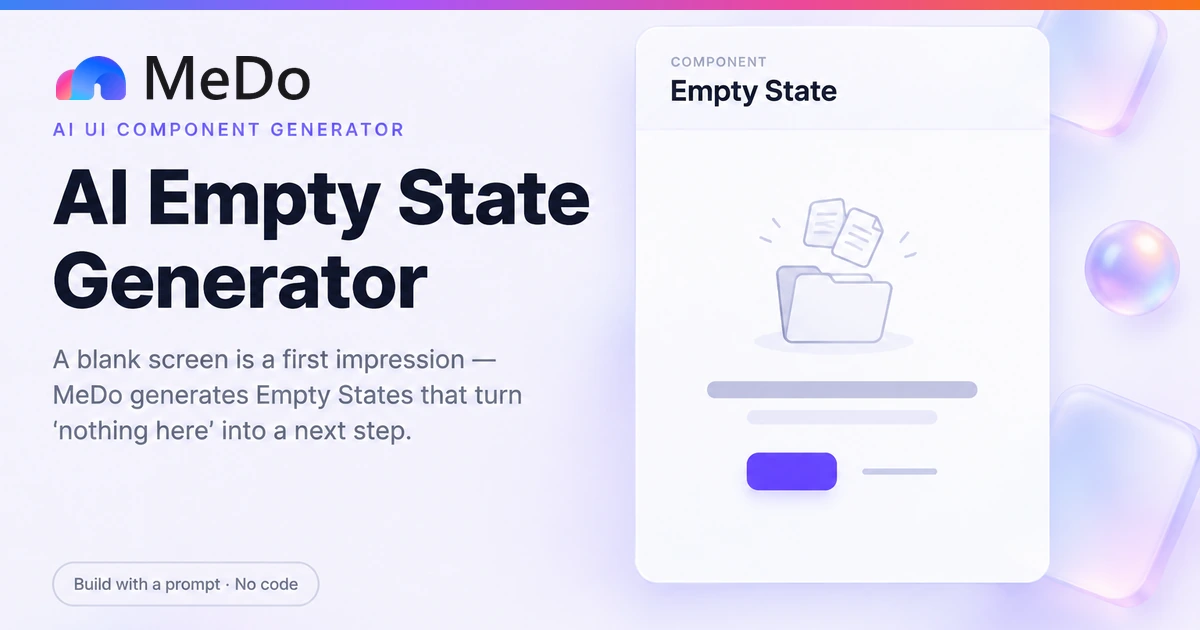
Every app has a moment where the screen is legitimately blank — and most apps waste it with a lone icon and the word "Empty". Describe your list, dashboard, or search view and MeDo generates an empty state that names what will live here, explains why it is empty, and hands the user one obvious action to change that — with separate treatments for never-used, no-results, and error-looked-like-empty.

Empty State
Empty State

An Empty Screen Is the Highest-Leverage Moment You Never Designed

The blank state arrives at the exact point where a new user decides whether your product does anything — and it is the screen teams ship last and think about least, which is why so many of them say "No data" beside a grey icon and end the conversation there. Three different diseases hide behind an empty screen, and each needs a different cure. First-run emptiness is an activation problem: the user does not need sympathy, they need the one action that populates the screen, promoted above everything else. No-results emptiness is a query problem: the system works, the search term did not, and the fix is relaxing filters or suggesting alternatives, never a "create" button that has nothing to do with searching. And error-as-empty is the dangerous one: a failed fetch that renders the empty state teaches the user their account was wiped, which is a support ticket or a churned account in the making. Designing the three apart is the entire craft.

4 個のテンプレート

生成できる Empty State テンプレート

どのテンプレートもスクリーンショットではなく実際のプロンプトです。任意の AI エディタに貼り付けるか、MeDo で実行して React + Tailwind のコードを受け取れます。

ActivationFirst Run

First-Run Empty List

The zero-projects state: one action that populates the screen, one import fallback, and copy that says what this space is for. The default for any list a user creates.

Create a first-run empty state for a projects list. Vertically center in the content region a 160px line-art illustration slot, an 18px semibold heading "No projects yet", a supporting sentence in zinc-500 explaining that projects hold your tasks and reports, a primary indigo button "Create your first project", and a secondary "Import from CSV" text link. Cap the text block at 360px wide, give the container role="status", and render it only when the list request succeeds with zero items — a failed request must render the error variant instead. Keep the page header and navigation fully interactive so the user can orient while deciding. On click, the create button opens the same new-project modal used elsewhere in the app, not a one-off form.
MeDoで試す
SearchNo Results

No Search Results With Filter Reset

For queries and filters that legitimately matched nothing. Echoes the query, offers the broadening action, and suggests alternatives — never a create button.

Create a no-results state for a searchable, filterable table. Show a small magnifier glyph, the heading "No results for “{query}”" with the user's actual query interpolated, and a count of how many records were searched so it is clear the system worked. The primary action is a "Clear all filters" button that resets filter state and reruns the search; below it, list up to three suggested broader terms derived from the query. Include a muted line noting active filter chips with individual remove controls, so users can see exactly which constraint excluded everything. Do not include any create-style action. Give the container role="status" with aria-live="polite" so each new search result is announced, and preserve the filter state in the URL so the cleared view is shareable.

MeDoで試す
ResilienceError Variant

Error That Cannot Be Mistaken for Empty

The failed-fetch variant: what broke, a retry, and last-known data dimmed behind it. The variant that prevents "did my data get deleted?" support tickets.

Create an error variant for list and dashboard views, rendered only when the data request fails — never on a successful zero-item response. Show a refresh-cycle icon, the heading "We could not load your projects", one sentence distinguishing a temporary network issue from data loss, and a primary Retry button that re-runs the request with exponential backoff up to three times, showing attempt count on the button. If cached data from a previous successful load exists, render it dimmed at 50% opacity with a "Showing saved data from 4 minutes ago" banner above, rather than hiding it. Style the container with an amber-50 background and amber-600 left border so the state reads as caution, not catastrophe. Give it role="alert" so screen readers announce the failure immediately.

MeDoで試す
ReassurancePositive Empty

Caught-Up Inbox State

The rare empty state whose message is "nothing needs you": reassurance, timing, and permission to leave. For inboxes, approvals, and queues.

Create a "caught up" empty state for an inbox or approvals queue that is empty because work is done, not because none exists. Show a calm check-circle illustration, the heading "You are all caught up", and a line stating when new items typically arrive based on historical cadence — "New approvals usually land by 9am" — or, if the queue is watched, a subtle live indicator. The single secondary action is "View completed items" so the emptiness is verifiable, not asserted; do not use a primary-colored button, since urgency is wrong here. Give the container role="status". Keep the treatment visibly lighter than error and first-run variants so users learn the three states apart at a glance.

MeDoで試す

Empty State をカスタマイズする方法

Lead with the action, not the apology

If there is one thing the user can do to fill this screen, make it a primary button — create, connect, invite, import. Illustration and copy support the action; a beautiful graphic with no next step is decoration over a dead end.

Separate never-used from no-results

A first-run state says "create something"; a filtered-to-zero state says "nothing matched — clear filters or try a broader term". Reusing the first-run design for a failed search suggests the user should create their way out of a typo, and reads as broken.

Never let an error render as empty

Only show the empty state on a successful response that legitimately contains zero items. A failed request gets its own variant — what failed, a retry control, and ideally the last-known data — because "empty" tells the user their data is gone, which is the worst sentence an interface can accidentally say.

Say what belongs here, concretely

Replace "Nothing to see here" with a sentence naming the artifact: "Reports live here once you connect a data source." The generic version works on every screen in your app, which is exactly why it helps on none of them.

Empty State コンポーネントを使うのは誰か

SaaS dashboard first run

A workspace with zero projects, showing one illustration, one sentence of context, and a single "Create project" primary action — with documentation and invite links demoted to secondary text.

Search and filter views

A no-results variant that echoes the active query, offers "clear all filters" as the primary action, and suggests two or three broader terms — never a create button unrelated to the search.

E-commerce wishlist and cart

An empty cart that treats the moment as merchandising: bestsellers or recently viewed items below a "Start shopping" action, instead of a sad icon confirming the cart is empty.

Collaboration and inbox tools

An empty inbox that says "You are all caught up" with next-digest timing — the rare empty state whose correct message is reassurance plus a countdown rather than a call to action.

サイト種別ごとの Empty State パターン

同じ empty state コンポーネントを、掲載するサイトの種類に合わせて調整します。

01 / 04

SaaS Dashboards and Workspaces

First-run screens decide whether a trial user creates their first artifact. Put the activation action in the empty state itself, sized as a primary button, and treat this screen as onboarding rather than as a failed render.

Empty State のスタイルとバリアント

ページ全体のトーンに合うバリアントを選び、そのまま生成します。

01 / 04

Centered Illustration Classic

Icon or illustration, heading, one supporting line, one action — vertically centered. The default because it reads instantly, and safe everywhere the empty region is at least a few hundred pixels tall.

React・Next.js・Vue・Svelte での Empty State

React、Next.js、Vue 3、SvelteKit、Astro、素の HTML — 同じ empty state を 6 通りの方法で組み込めます。

01 / 03

React Empty State

Three states from one fetch: loading, error, and genuinely empty. The whole discipline lives in the conditional order — error checked before empty, so a failure can never wear the empty costume.

src/components/ProjectsView.tsx

if (error) return <ErrorState message={error} onRetry={refetch} />
if (!data) return <Skeleton />
if (data.projects.length === 0) {
  return (
    <div role="status" className="flex flex-col items-center gap-3 py-24 text-center">
      <h2 className="text-lg font-semibold">No projects yet</h2>
      <p className="max-w-[360px] text-zinc-500">
        Projects hold your tasks and reports.
      </p>
      <button className="rounded-lg bg-indigo-600 px-4 py-2 text-white">
        Create your first project
      </button>
    </div>
  )
}
return <ProjectList projects={data.projects} />

Empty State をプロジェクトに追加する方法

empty state テンプレートを選んで本番に載せるまでの 4 ステップ。

01~1min

Diagnose Why the Screen Is Empty

First run, filtered-to-zero, or failure — each needs a different response, and picking the wrong one is the classic empty-state bug. Decide before generating, because the choice determines the actions offered.

02~10s

Copy the Prompt

Take a template prompt into MeDo and replace the artifact names with your real ones — "projects", "invoices", "campaigns" — plus the actual verb for your primary action. Generic copy is the thing this component exists to fix.

03~1min

Generate and Refine

You get React + Tailwind with a live preview. Refine in plain English — "add a clear-filters action", "dim the cached list behind the error", "make this variant compact inline" — and generate the sibling variants from the same conversation so they stay consistent.

04~3min

Test All Three Paths

Force each condition on a staging build: a fresh account, a search with no matches, and the API switched off. The empty state must appear only on the middle path's successful zero, and the error variant must announce itself with role="alert".

Empty Stateに関するよくある質問

What is the difference between an empty state and a zero-results state?

They look identical on screen and mean opposite things. The first-run empty state appears because nothing exists yet, so the right response is a create-or-import action. The no-results state appears because a query or filter excluded everything, so the right response is to broaden the query — clear filters, soften the search term, suggest alternatives. Reusing the create-oriented design for a failed search confuses users, and reusing the search-oriented design for first run buries the activation action your product needs most.

Should an error state ever look like an empty state?

Never. A failed API call that renders "No projects yet" tells the user their data has vanished, which produces panic tickets and distrust that outlasts the outage. Gate the empty state on a successful response with a genuine zero count, and give failures their own variant with a plain-language description, a retry button, and where possible the last cached data dimmed behind it. This is the single highest-stakes rule in empty-state design.

Do empty states really affect user activation?

They are often the first content screen a new user sees, because every list, dashboard, and inbox starts empty. An empty state with one obvious action converts that visit into a first-created artifact — the strongest retention signal most products have. An empty state with just an illustration converts nothing and leaves the user to discover the create flow by navigation, which a large share never do.

How do I write good copy for an empty state?

Three moves: name the artifact that belongs here ("Reports live here"), give one line of why it is empty ("Connect a data source to generate your first report"), and label the button with the verb that fixes it ("Connect a source"). Avoid apologies ("Oops, nothing here"), avoid cleverness that obscures the action, and never reuse the same string across screens — copy that fits everywhere explains nothing anywhere.

Does an empty state need its own illustration?

An illustration helps on high-traffic first-run screens where the moment deserves ceremony, and it costs you on every other screen — generic spot illustrations are visual noise users have learned to skip. A safe default is a small, simple glyph matching the artifact type, with typography and the action carrying the weight. If the illustration does not make the next step clearer, cut it before you cut the copy.

empty stateを今すぐ生成。

プロンプトを試す — 無料、登録不要。