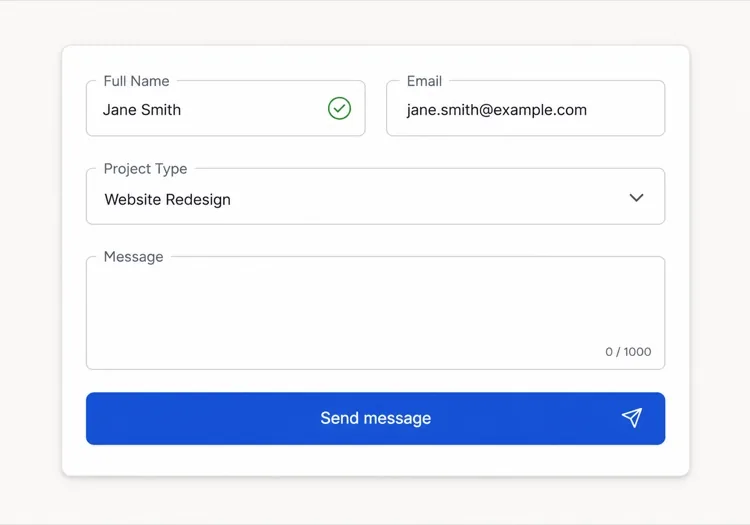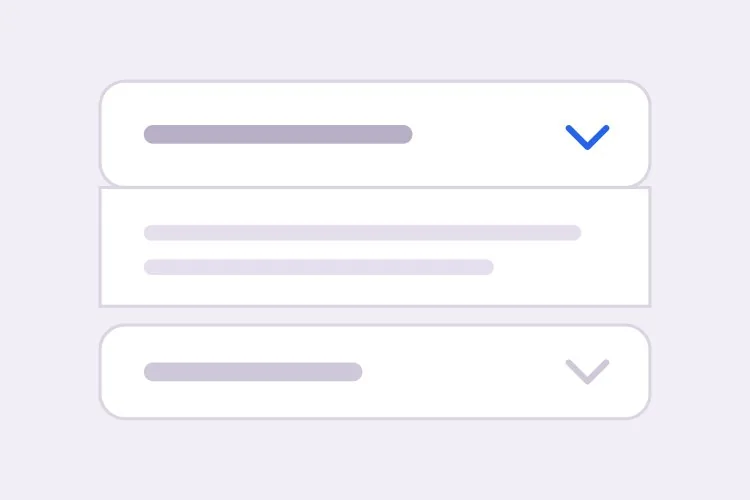
AI Accordion Generator.

Describe your sections and MeDo generates a collapsible accordion — single or multi-open behavior, a height animation that works with any content length, deep links that auto-open a panel, and matching FAQPage JSON-LD for rich results.

Accordion
Accordion

A Collapsed Panel Is a Bet That the Content Is Optional

Accordions are usually added to make a page look shorter, but shortening the page is not free. Every collapsed section trades scannability for density: a visitor who would have skimmed six answers now has to decide which one to click, and most click none. That tradeoff is worth taking for genuinely secondary material such as shipping policies, edge-case questions, or long specification tables, and it is a bad trade for the two or three answers that actually resolve a purchase objection. The useful discipline is to promote your highest-intent content out of the accordion and into plain page copy, then let the accordion absorb the long tail. Doing that also fixes the SEO side of the same problem, since text inside a closed panel that is present in the HTML gets indexed while text injected only after a click may not be.

6 templates

Accordion Templates You Can Generate

Every template is a real prompt, not a screenshot. Copy it into any AI editor, or run it in MeDo and get React + Tailwind code back.

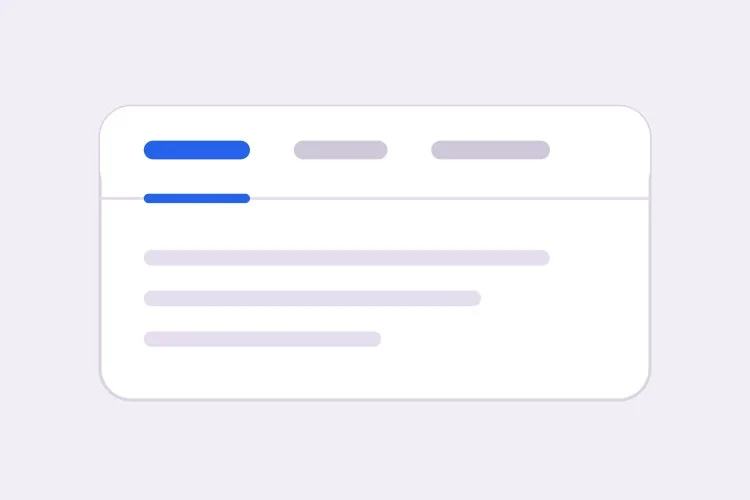
BasicFAQ Single-Open

Exclusive-Open FAQ List

One answer visible at a time, which keeps a long FAQ from turning into a wall once someone starts clicking. The default for landing-page questions.

Create an FAQ accordion with six items in single-open mode, where opening one item closes the currently open one. Each header is a full-width button carrying the question in 16px semibold text with a chevron on the right that rotates 180 degrees over 200ms; set aria-expanded on the button and aria-controls pointing at the panel, and give the panel role="region" with aria-labelledby back to the header id. Animate the panel with grid-template-rows from 0fr to 1fr so long answers never clip and short ones do not ease for the same duration. Enter and Space toggle, Tab moves between headers normally since each is its own tab stop, and a visible focus-visible ring is required. Allow the open item to be collapsed so no panel is forced open.
Try in MeDo
ComparisonMulti-Open

Several Panels Open at Once

For troubleshooting steps and spec tables, where someone genuinely needs two sections side by side. Add Expand all only here — it is meaningless in exclusive mode.

Create a multi-open accordion where any number of panels may be expanded at once, holding open ids in a set rather than a single value. Add an Expand all and Collapse all control above the stack whose label reflects the current state, and make it a real button with aria-expanded describing the group. Each header is a button with aria-expanded and aria-controls; each panel is role="region" with aria-labelledby. Animate with grid-template-rows 0fr to 1fr so several simultaneous transitions do not fight a shared max-height. Preserve panel scroll position and any half-filled form fields by keeping panels in the DOM and toggling the hidden attribute rather than unmounting them. Enter and Space toggle the focused header.

Try in MeDo
No JavaScriptNative Details

Details and Summary Accordion

Works before your bundle loads, is keyboard accessible with zero attributes, and joins find-in-page so a browser search opens the matching panel. The baseline to beat.

Create an accordion using native details and summary elements with no JavaScript at all. Give each details the same name attribute so the browser enforces exclusive-open behavior natively. Style the summary as a full-width row with 20px vertical padding, remove the default marker with list-style: none and ::-webkit-details-marker, and add a custom chevron that rotates using the details[open] selector. Animate the panel with interpolate-size: allow-keywords plus a height transition from 0 to auto, and add ::details-content to the transition so the reveal is smooth where supported and an instant open elsewhere. Keep a visible focus ring on the summary and ensure find-in-page still expands a closed panel.

Try in MeDo
ShareableDeep Linked

Hash-Opened Panels With Copy Link

Every panel gets its own URL, so a support reply can point at one answer rather than "scroll down to the FAQ". The offset for the sticky header is the part that gets skipped.

Create an accordion where each item is addressable by URL hash. Give every header a stable slug id derived from its question, and on mount read location.hash, open the matching panel, and scroll it into view with scroll-margin-top of 96px so it does not land underneath a sticky header. Update the hash on open using history.replaceState so the back button is not filled with toggles, and listen for hashchange so in-page links work after the first render. Add a small copy-link button inside each header row that writes the absolute URL to the clipboard and swaps its label to Copied for two seconds; stop its click from bubbling to the header button so copying does not also collapse the panel.

Try in MeDo
SEOFAQ Schema

Accordion With FAQPage JSON-LD

Panels and structured data generated from one array, which is the only way they stay in sync six months later. Treat the markup as a clarity signal, not a guaranteed rich result.

Create an FAQ accordion that renders both the interactive panels and a matching FAQPage JSON-LD script from the same array of question and answer objects, so the two cannot drift apart when someone edits a question. Emit the JSON-LD server-side in a script tag with type="application/ld+json", using Question and Answer entities with acceptedAnswer text. Render every answer into the HTML even while collapsed, hiding it with CSS rather than fetching it on click, since content injected after a click may never be crawled. Keep the accessible pattern intact: header buttons with aria-expanded and aria-controls, panels as role="region" with aria-labelledby, and a grid-template-rows height animation.

Try in MeDo
NestedNested Groups

Grouped Accordion With Sub-Sections

Two levels for a long feature matrix or a knowledge base. Depth past two is where people lose the thread — if you need a third, the content wants its own page.

Create a nested accordion two levels deep: outer groups such as Security, Integrations and Support, each containing three to five child items. Indent child headers by 20px, drop their type size by one step, and keep every level as its own button with aria-expanded and aria-controls, panels as role="region" with aria-labelledby — do not use a treeview role, since these are disclosures, not a tree. Outer groups are multi-open and children are single-open within their parent. When a parent collapses, remember which children were open so reopening the parent restores that state rather than resetting it, and make sure the parent panel height animation accounts for children expanding after the parent has settled.

Try in MeDo

How to Customize Your Accordion

Decide between details and a button up front

A native details and summary pair works with zero JavaScript, is keyboard accessible by default, and stays open when the browser searches the page. A button with aria-expanded gives you full control over animation and exclusive-open logic. Name the one you want, because they produce completely different markup.

Never animate to a hard-coded max-height

A fixed max-height clips long answers and makes short ones ease for the same duration. Ask for grid-template-rows animating 0fr to 1fr, or interpolate-size with calc-size for height auto, so the transition follows the real content height.

Be explicit about single-open versus multi-open

Exclusive open keeps the page short and the reader focused on one answer. Allowing several open at once is better when people compare sections or copy details out of two of them. State the default and whether a user can collapse every item, since some accordions keep one panel permanently open.

Ask for deep links and scroll offset together

Opening a panel from a URL hash is only half the feature. Without an explicit scroll offset the target lands underneath a sticky header, so mention the header height and request scroll-margin-top or a scripted offset in the same prompt.

Who Uses the Accordion Component

Marketing site FAQ section

Eight questions in an exclusive-open accordion at the bottom of a landing page, each item deep-linkable so support replies can point at one answer, with FAQPage JSON-LD emitted from the same data array.

E-commerce product page

Shipping, Returns, and Care Instructions collapsed beneath the add-to-cart button, keeping the buy box above the fold while the policy text stays in the HTML for search engines.

Documentation or knowledge base

Troubleshooting steps in a multi-open accordion so a reader can keep two related sections expanded side by side while working through a fix.

Pricing page comparison

A long feature matrix broken into collapsible groups such as Security, Integrations, and Support, so the plan columns stay visible instead of scrolling past three screens of rows.

Accordion Patterns for Different Websites

The same accordion component, tuned to the kind of site it ships on.

01 / 06

Marketing Site FAQ

Exclusive-open questions at the bottom of a landing page, with the two or three answers that actually resolve a purchase objection promoted out into plain page copy above. An accordion holding your strongest answer is an accordion hiding it.

Accordion Styles and Variants

Pick the variant that matches the rest of the page, then generate it.

01 / 06

Divider List Accordion

Flush rows separated by 1px light-grey lines, with no outer border at all. The quietest option and the right one for an FAQ of ten or more items, where card borders and gaps would add more visual noise than structure.

Accordion in React, Next.js, Vue and Svelte

React, Next.js, Vue 3, SvelteKit, Astro or plain HTML — the same accordion, six ways to drop it in.

01 / 06

React Accordion

Hold open ids in a Set so the same component covers single and multi-open — swap the set for one id and you have exclusive mode. No height measurement is needed if the panel animates with grid rows.

src/components/Accordion.tsx

const [open, setOpen] = useState(new Set())

<button
  aria-expanded={open.has(item.id)}
  aria-controls={`panel-${item.id}`}
  onClick={() => toggle(item.id)}
>
  {item.question}
</button>
<div id={`panel-${item.id}`} role="region" className="grid"
     style={{ gridTemplateRows: open.has(item.id) ? '1fr' : '0fr' }}>
  <div className="overflow-hidden">{item.answer}</div>
</div>

How to Add Your Accordion to a Project

Four steps, from picking a accordion template to shipping it in production.

01~30s

Pick an Accordion Template

Decide two things first: single or multi-open, and native details versus a button with aria-expanded. Those choices produce different markup, so picking after generation means regenerating.

02~10s

Copy the Prompt

Take the prompt into MeDo, Lovable, Bolt, v0 or Cursor and paste your real questions and answers in place of the placeholders. If you want FAQPage JSON-LD, say so now so it is generated from the same array rather than hand-written later.

03~1min

Generate and Refine

You get React + Tailwind back with a live preview. Follow up in plain English — "allow several open at once", "open the panel matching the URL hash", "swap the chevron for a plus" — instead of editing the transition by hand.

04~2min

Check the Content and Ship

Before shipping, confirm the longest answer does not clip mid-animation, every answer is present in the HTML while collapsed, and your highest-intent copy is in open page text rather than behind a click.

Common Questions About Accordion

How do I generate an FAQ accordion with AI?

List your questions and answers in the prompt and say whether one panel or several may be open at a time. MeDo generates the accessible header buttons with aria-expanded and aria-controls, the animated panels, and optionally the matching FAQPage JSON-LD built from the same content so the markup and the structured data cannot drift apart.

Should I use details and summary or a custom accordion?

Use details and summary when you want a dependable baseline: it works before JavaScript loads, is keyboard and screen-reader accessible without any attributes, and participates in the browser find-in-page feature. Reach for a button with aria-expanded when you need exclusive open behavior, a controlled animation curve, or state that lives in the URL. The native element can still be animated now that browsers support transitioning content-visibility and height with interpolate-size.

How do I animate an accordion to height auto?

Wrap the panel in a CSS grid and transition grid-template-rows from 0fr to 1fr, with overflow hidden on the inner element. This follows the real content height with no measurement in JavaScript. In browsers that support interpolate-size: allow-keywords you can transition height from 0 to auto directly, which is simpler and worth using as a progressive enhancement.

Can an accordion FAQ get rich results in Google?

It can, if the page carries valid FAQPage structured data and the questions and answers also appear in the rendered HTML. Google has narrowed FAQ rich result eligibility mostly to authoritative government and health sites, so treat the markup as a clarity signal for search and AI answer engines rather than a guaranteed SERP feature. Ask MeDo to generate the JSON-LD from the same array that renders the panels so they stay in sync.

Does hiding content in an accordion affect SEO?

Content that is in the HTML but visually collapsed is indexed normally, and Google has said mobile accordions are an expected responsive pattern. The real risks are loading answers only on click, which may leave them uncrawled, and burying your most important copy where nobody expands it. Keep the primary message in open page copy and use collapsed panels for supporting detail.

Should I use an accordion or tabs?

Choose an accordion when the sections are independent, the labels are long enough to read as sentences, or the reader may want more than one open at once, which is why FAQ lists are almost always accordions. Choose tabs when the panels are mutually exclusive alternatives being compared, such as monthly versus annual pricing, and the labels are short enough to fit one horizontal row. Long question-shaped labels are the clearest signal that tabs are the wrong pattern.